Website Voice Assistant: When Visitors Would Rather Speak
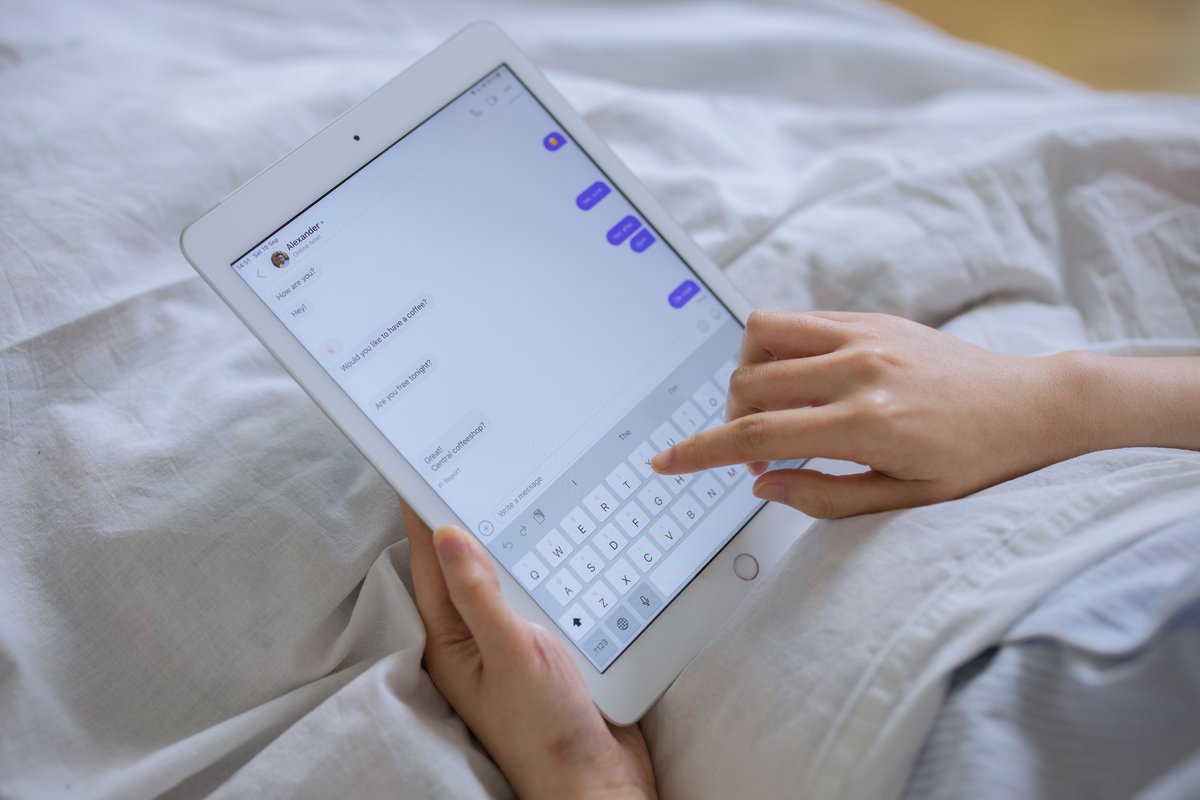
A website voice assistant pays off when some of your visitors find speaking faster than typing. And it works best next to a text chat, not in place of it. If you already run a text chat widget, the real question is simple: who would actually use voice? Below I go through when speaking wins, when text wins, the browser microphone prompt, how spoken answers differ from written ones, and why pauses matter more than you’d think.
Which visitors would rather talk to a website?
People reach for voice when typing is slow, awkward or just not possible right now. In practice that usually means:
- Mobile visitors fighting with tiny on-screen keyboards
- People with their hands full: cooking, riding as a passenger, carrying shopping
- Long or messy questions that are easier to say than to type
- Those who simply like talking more than writing (and yes, that’s a real group)
A voice assistant for mobile visitors fixes a quiet problem. Type a long question on a phone and it often gets trimmed halfway. Say it out loud and it comes out whole, with the context the bot needs to give a decent answer. Voice and text still pull from the same knowledge base and answer the same questions. Only the way in changes. That’s it.
When text chat still wins
Text is the better pick whenever the setting, or the answer itself, doesn’t suit sound. Noisy street? Speech recognition struggles to catch the words. Quiet office, library, packed train? Most people won’t talk to their phone out loud there, full stop. Some replies are also just bad as audio. Links, order numbers, discount codes, email addresses, step-by-step lists - all far easier to read and copy than to hear once and try to remember. So for the site owner the takeaway is pretty plain: the choice between voice or text chat belongs to the visitor. Keep both options side by side.
Voice chat on a website and the microphone permission prompt
Before the first spoken question, the browser asks for microphone access. Some visitors will say no. That prompt only shows up after someone taps the microphone button, which is exactly why voice chat on a website should never start on its own. A few small choices make that moment less clunky:
- Give the microphone button a clear label so nobody has to guess what it does.
- Add one short line explaining why access is needed.
- Keep the text chat fully working if permission is denied.
A blocked permission isn’t an error. It’s a normal outcome. The visitor just keeps typing.
Why spoken answers need different writing
An answer that reads fine on screen can sound long and confusing when read aloud. So content meant for speech has to be shorter and more direct. My rule of thumb: answer in the first sentence, keep sentences brief, and drop tables or long lists (a listener can’t scan them, they can only sit through them). Links, codes and exact figures go in the text version of the reply, where people can see and copy them. If you want to dig deeper, there’s a fuller guide to writing answers for speech. And since the bot answers only from the documents you upload, cleaning those documents up for clarity improves voice and text replies in one go. Two birds, one stone.
Pauses: what visitors notice in voice conversations
Silence feels much longer in speech than in text. Every gap between question and answer stands out. Where does it come from? Three steps: turning the visitor’s speech into text, finding the answer in your content, and turning that answer back into speech. Each takes a moment, and stacked together they make a pause people can actually hear. Short answers help, because there’s less to generate and less to say. A clear visual cue helps too - something showing the assistant is listening or thinking, so visitors don’t assume it’s broken. The mechanics are covered in detail in a piece on where voicebot pauses come from.
Is a voice widget for customers worth adding to your text chat?
A voice widget for customers is worth testing if a big chunk of your traffic is mobile, or if your visitors tend to ask long, detailed questions. Your existing chat logs are the best evidence you’ve got. Long questions, lots of mobile sessions, abandoned half-typed messages - all signs voice could help. It’ll probably matter less if most of your answers are links, codes or product numbers, which simply work better on screen. Still weighing the two formats? Then get the difference between chatbots and voicebots clear first. In Botino, voice together with chat is available on the Professional plan.
A website voice assistant doesn’t replace text chat. It gives visitors who’d rather speak a second way to ask the same question. Before you decide, take an honest look at who your visitors are, what devices they use and what they ask. Then add voice where it genuinely saves them effort. Not everywhere.
FAQ
Does voice replace the text chat widget?
No. Both run side by side, and each visitor picks whichever suits them at that moment. Answers come from the same content either way, so there’s nothing to duplicate.
What happens if a visitor blocks the microphone?
The browser won’t allow voice input, so the microphone button does nothing. The visitor carries on with text chat and loses nothing, since the same answers are there by typing.
Do I need separate content for voice answers?
No, the same documents serve both voice and text. That said, short and clear writing makes replies sound a lot better when spoken, so it’s worth tidying up long or complex passages in your source material.
Related posts
Voicebot Speech Recognition: Why Bots Mishear and What Helps
Voicebot speech recognition picks the most likely words from the sound it hears. That’s why short, rare or look-alike words (product names,…
Voicebot Latency: Where the Silence Comes From
A caller finishes their sentence and waits. Nothing happens. So they repeat themselves, and right at that moment the bot starts talking,…

Voicebot Script Writing: Answers That Work When Spoken
A good voicebot script puts the answer in the first sentence. Every sentence stays short, and anything the ear can’t scan (numbers,…